We are piloting a connector for ChatGPT and Claude so you no longer need to copy work instructions
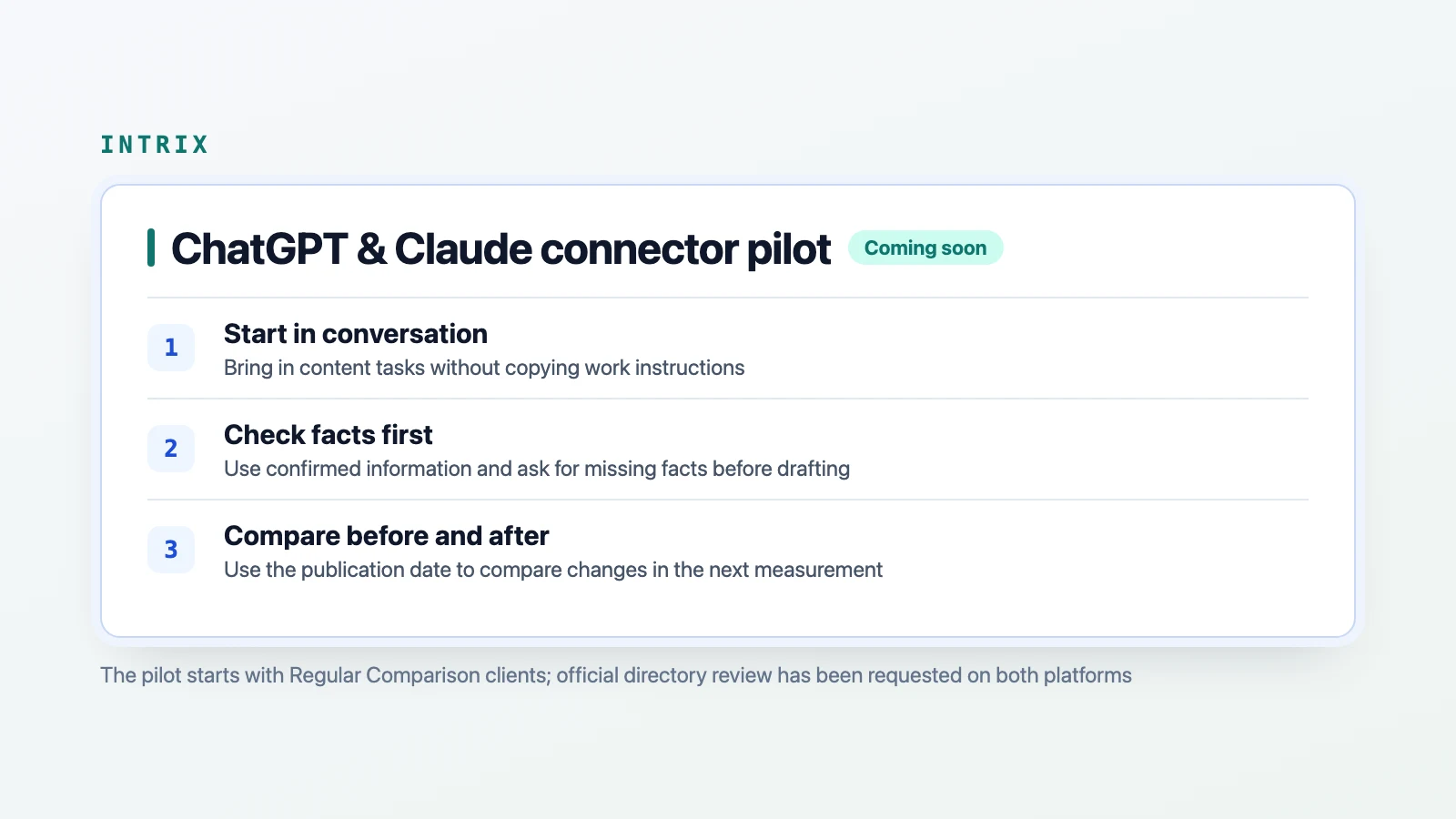
- Replace copying and pasting work instructions with a single request in conversation
- Use only confirmed company information and ask for missing facts before drafting
- Use the publication date to compare changes before and after the work in the next measurement
- Start the pilot with Regular Comparison clients while pursuing directory registration on both platforms
Each task in the Intrix dashboard includes work instructions for AI so that identified problems can be addressed directly. Until now, the person responsible had to select a task in the dashboard, copy and paste the instructions into an AI conversation, and return to the dashboard to mark it complete after making the changes.
To remove this process, Intrix has developed a standard connector (MCP) that directly links the dashboard with ChatGPT and Claude and is starting a pilot.
Replace copying and pasting work instructions with a single request in conversation
Whether the person responsible uses ChatGPT or Claude for their everyday work, they can connect in the same way. Add Intrix from the AI app you use and select “Allow” on the Intrix authorization screen. You can then start work simply by saying “Continue my Intrix task” in a ChatGPT or Claude conversation.
There is no need to enter a task number or website address each time. The Intrix server selects tasks that are in progress or planned first, followed by candidate tasks, prioritizing those with the greatest impact within each group and excluding tasks with insufficient evidence. It sends the connected AI app the task title and target questions; work instructions covering why the task is needed, how AI answered the question in the latest measurement, what to change, target pages and how to check the changes; company information separated into confirmed facts and information needing confirmation; and writing rules. The connector drafts content for your own website, such as pages that answer questions or expand existing content, as well as posts for external channels, external site listings and contributed articles. For external tasks, the AI suggests channels and formats, such as blog posts, contributed articles, press releases or video scripts, based on the types of sources AI cited for that question, then drafts the client's choice under the company name without posing as a user in reviews or answers. Technical tasks affecting the entire website, such as robots settings, rendering and shared templates, are handled through the dashboard's work instructions in phase one.
Use only confirmed company information and ask for missing facts before drafting
The sources of facts used in the text are strictly limited to prevent AI from inventing figures or company history. Drafts use only confirmed company information registered in the dashboard, existing pages on the client's website and answers given directly by the person responsible during the conversation. Outdated information or information needing confirmation is checked with that person first rather than stated as fact.
If essential facts for the draft, such as prices, business hours or detailed criteria, are missing, the AI gathers the questions and asks them together before drafting. If the person responsible says it is OK to save their answers, those answers are recorded in the dashboard’s company information with “ChatGPT conversation,” “Claude conversation” or “Codex conversation” as the source, depending on the AI app actually used, so the AI does not repeat the same questions on future tasks, and the original values can be restored in the dashboard at any time.
For industries subject to advertising review or regulation, such as healthcare, finance and law, only drafts are provided, and completion is recorded only after the client confirms that internal review or the required approval process has been completed.
Use the publication date to compare changes before and after the work in the next measurement
After reviewing the draft and applying it to your website, report completion in the conversation. The task in the dashboard automatically changes to “Complete,” and the publication date, published page URLs and the state of those pages at that point are recorded. Completion reports for website tasks accept only URLs on the client's own website, up to five at a time. For external tasks (external channel posts, external listings and contributed articles), after the client publishes directly to the external channel using the company account and reports completion in the conversation, the task changes to “Complete,” and the publication date and up to five published URLs are recorded. The state of external pages is not recorded. If the person responsible publishes changes for a website task retrieved through the connector without reporting completion in the chat, Intrix checks the target page or looks for a new URL in the sitemap once a day. If it finds a change, it marks the task as “In review” and adds the URL to the work log. External channels are not checked.
When you run the next measurement, runs completed after the publication date are compared with runs before publication to examine changes in recommendations and citations for the questions you worked on and the comparison questions you left unchanged. Ask “How did my last task go?” in the same conversation to check the effect of the improvements and the number of Regular Comparison measurements remaining. (The connector only reads tasks and records completion. It does not run measurements on its own or deduct remaining runs.)
Start the pilot with Regular Comparison clients while pursuing directory registration on both platforms
Intrix has submitted an application for review for inclusion in Claude's official connector directory and has also submitted an application to OpenAI's official directory, shared by ChatGPT and Codex. Before official registration, the pilot will first run as a custom connector for clients using Regular Comparison. Claude Code connects through a plugin, and Codex through an MCP connection, both using the same server address (https://intrix.kr/api/mcp). The plan is to check actual publication completion rates and usability during the pilot before expanding availability to all products.
Companies with the capacity to make changes internally can use this connector to reduce work time. Companies that want help deciding priorities or implementing changes can choose the existing Results Consultation or GEO Improvement Work services. Clients interested in the pilot connection can inquire through the dashboard or contact page.
Explore Intrix
More updates
Checking How AI Introduces, Compares, and Cites Your Brand Beyond General Industry Questions
Even brands that rarely appear in general industry questions show clear differences in candidate inclusion and mention order when questions shift to selection and comparison. For companies seeking to grow their brands, we offer consultation to check how AI introduces their brand and which sources it uses.
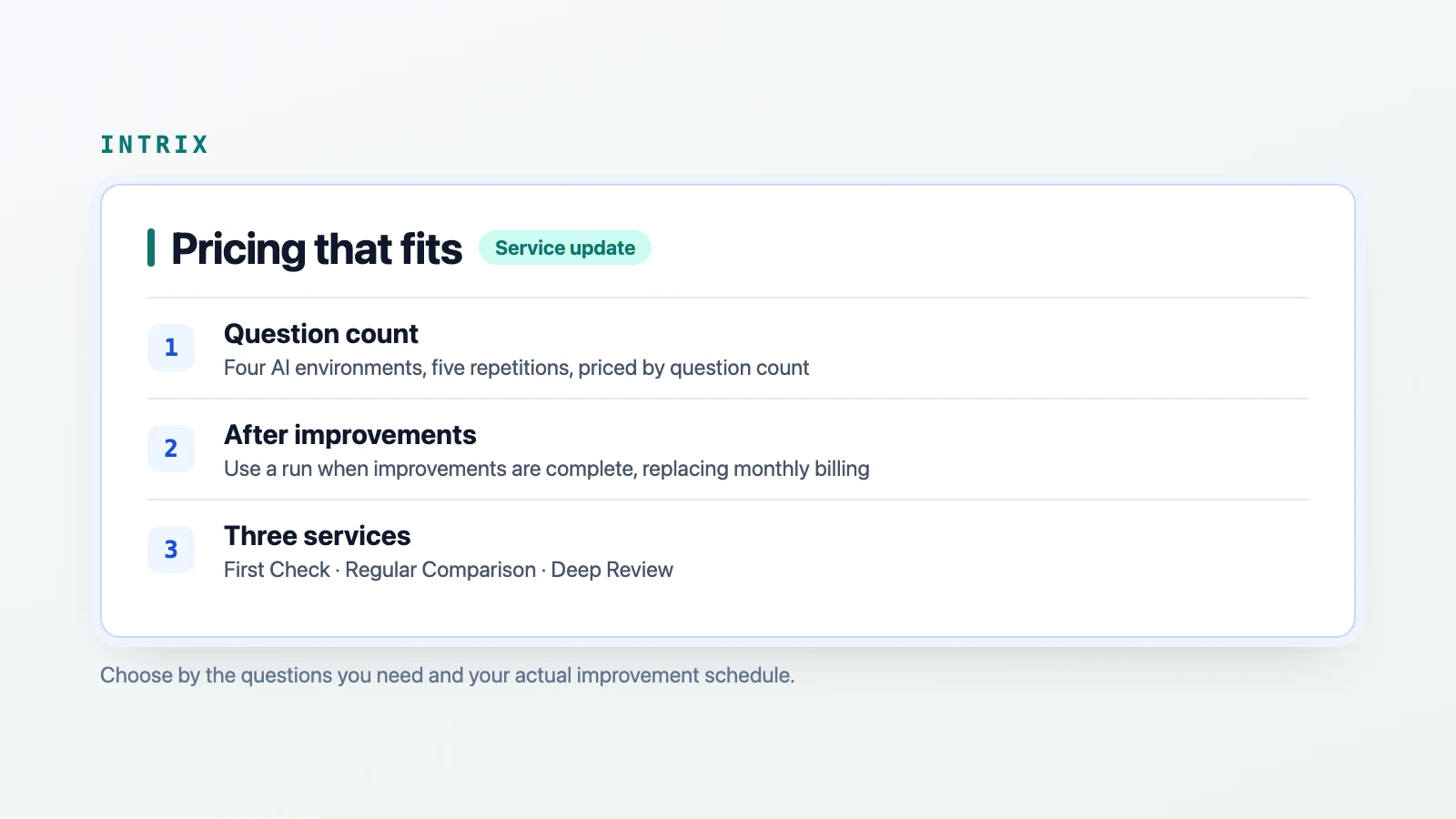
ResearchWe are restructuring pricing to compare changes before and after your improvements are complete
We are replacing calendar-based monthly billing with runs deducted when your website improvements are complete. All services use four AI environments with five repetitions, and pricing depends only on the number of questions, in increments of 10.
ServiceChecking whether AI recommendations hold when your target customer asks
See how AI recommendations change with your company's strengths and target customer context. See where you drop out and which sources are cited instead in the dashboard and report.
New feature