See how often AI recommends your company and why it leaves you out
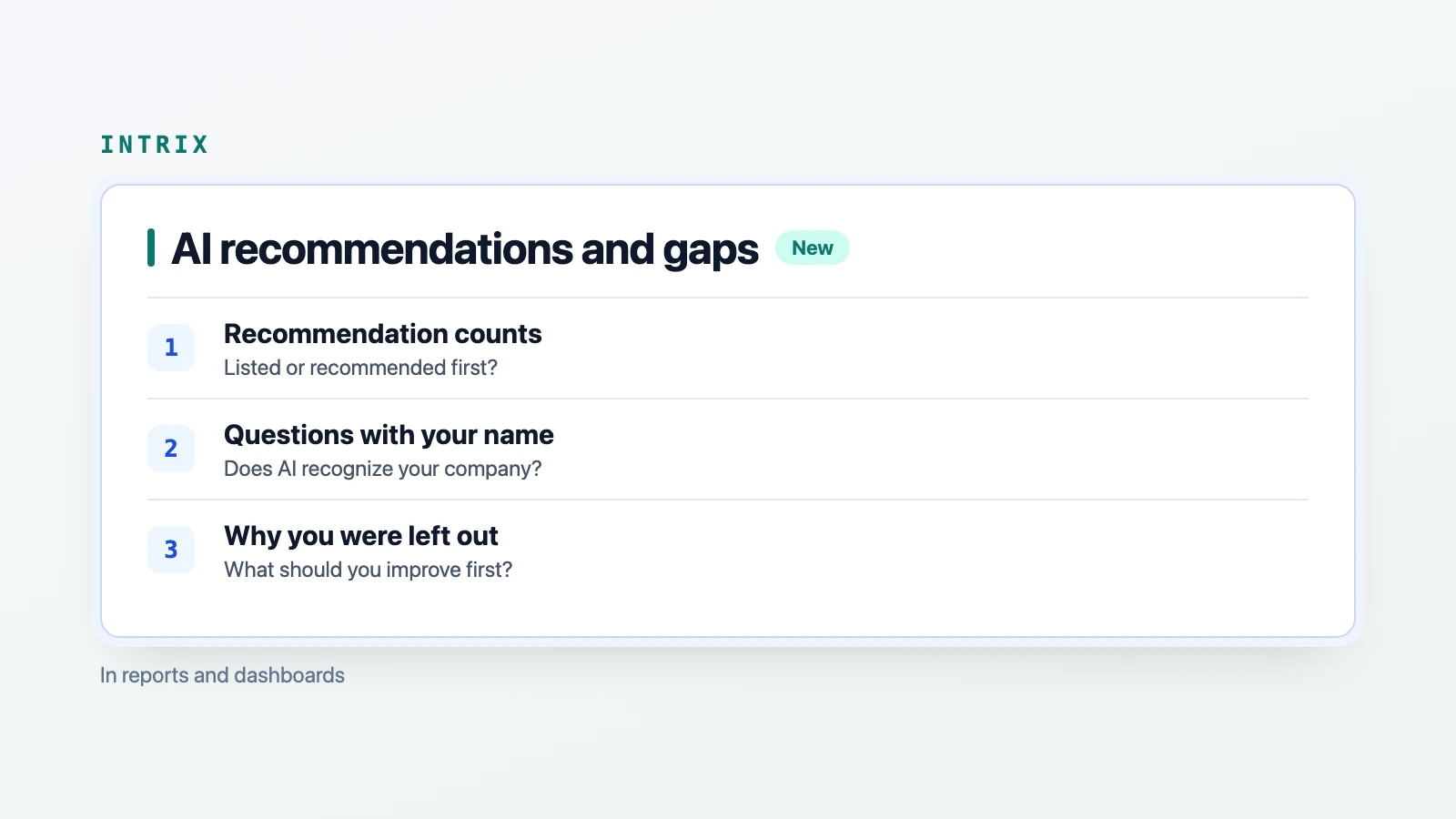
We have updated the opening sections of measurement reports and the customer dashboard. A sentence and a table show how often AI recommended your company, followed by the reasons it left you out and what to work on first. You can read the recommendation count, the stage where your company was left out and the suggested improvements on one page.
How do you read your recommendation count?
The opening sentence reads: “Out of ○ AI answers, [Company name] appeared in the recommendation list in ○, and was the first recommendation in ○ of those.” You can see how many answers recommended your company and how many introduced it first.
“Included in recommendations” means your company appeared among the businesses, products or services that an AI answer recommended or presented as options. “First recommendation” means your company came first in that list. Answers that introduced only your company, with no other options, are marked separately. This lets you distinguish a mention of your name from inclusion in a recommendation list.
The table separates “Questions without your company name” from “Questions with your company name.” The former shows whether your company is recommended to people discovering it for the first time. The latter shows whether AI correctly recognizes your company when asked about it by name. Totals for both question types and a breakdown by AI service are also included.
Why read citation rates alongside recommendation counts?
What matters to customers is how often their company is recommended in AI answers. Having your content cited as a source is one route to a recommendation. Looking only at citations misses answers that recommend your company without citing your content.
In a measurement round for one customer on November 9, 2026, 21 of 315 answers to questions without the company name included it in the recommendation list. Of those 21 answers, 4 cited the company’s content as a source. Most answers that recommended the company did so without citing its content. The citation rate alone does not fully explain the recommendation results for this round.
The updated view puts recommendation counts first and also shows how many recommending answers cited your content. It lists the top 5 alternatives most often recommended first instead of your company, with a count for each. You can see how often your company was recommended and which alternatives came first in the same view.
If your company was left out, what should you improve first?
A “Why your company was left out” table sits directly below the recommendation count. It groups answers to questions without your company name by the stage where your company was left out of recommendations, with a suggested first action for each. The place to improve depends on where your company was left out.
“Not among search candidates” means AI searched, but your company’s content was not among the candidates. The first step is to create pages that match the terms AI searched for, or get your company included in external articles that feature the recommended alternatives. “Our source appeared but we were not recommended” means your company’s content was among the sources AI searched for and read, but AI did not recommend your company. The suggested action is to compare your content with the recommended alternatives’ content and fill in what is missing.
“Asked for more details” means AI asked about requirements before making a recommendation. The first step is to put information addressing those requirements on your website. For “Mentioned, but outside the list,” the suggestion is to clarify your service and product descriptions so your company is presented as an option to recommend.
“Answered without searching” means AI answered without running a search. Site edits alone will not change these answers immediately. Your company’s name needs to build a presence across external channels, so the first action differs from improving site pages.
In the customer measurement round described above, 294 answers left the company out of recommendations. In 161, its content was not among search candidates. In 126, the stage was “Answered without searching.” In 7, the stage was “Our source appeared but we were not recommended.” This breakdown helps you consider where to focus first: site pages, external articles or external channels. Intrix brings the result, the reason and the first action together to identify why your company was left out and suggest the most efficient improvements to start with.
Where can you find the updates?
On the report’s first page, look for “How often AI recommended your company.” The report has been renamed “Detailed AI Citation Analysis Report.” In the customer dashboard, the results appear in the one-sentence conclusion in “Diagnostic summary” and in the metric cards at the top. The cards show inclusion in recommendations, first recommendations, inclusion for questions without your company name, and citation rate.
The dashboard and report receive the same numbers and sentences from the same calculation. This layout will be included automatically in future measurement rounds and has also been applied to all existing customers’ measurement rounds. Previously published reports have been reissued in the updated format.
To understand why your company is missing from AI recommendations and what to improve first, talk to Intrix.
Explore Intrix
More updates
Read improvement results more precisely with question types, page changes and evidence grades
See which questions changed, whether edits reached the live page, and what supports each assessment. New details in Intrix reports and dashboards.
New featureRaw data and analysis code released for three AI search studies
Access data and code for a 1,991-page crawler experiment, 162 AI answers about fictional businesses, and a note on inflated bot logs. Read results and limits.
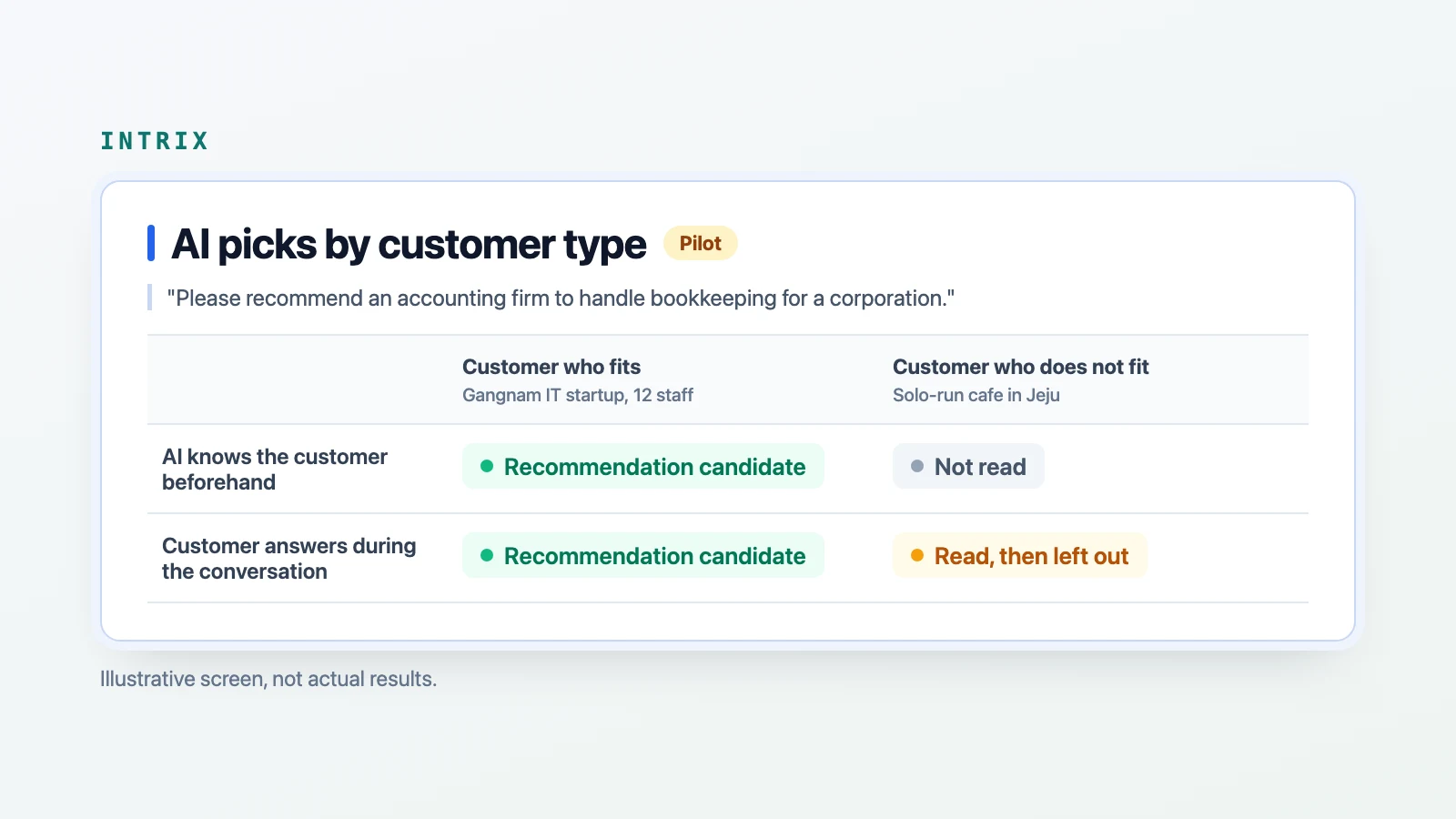
ResearchPiloting a check of where AI recommendations change by customer type
Intrix is piloting customer profile checks to compare where sites leave AI recommendations and which sources replace them. Not yet in customer dashboards or reports.
New feature