Read improvement results more precisely with question types, page changes and evidence grades
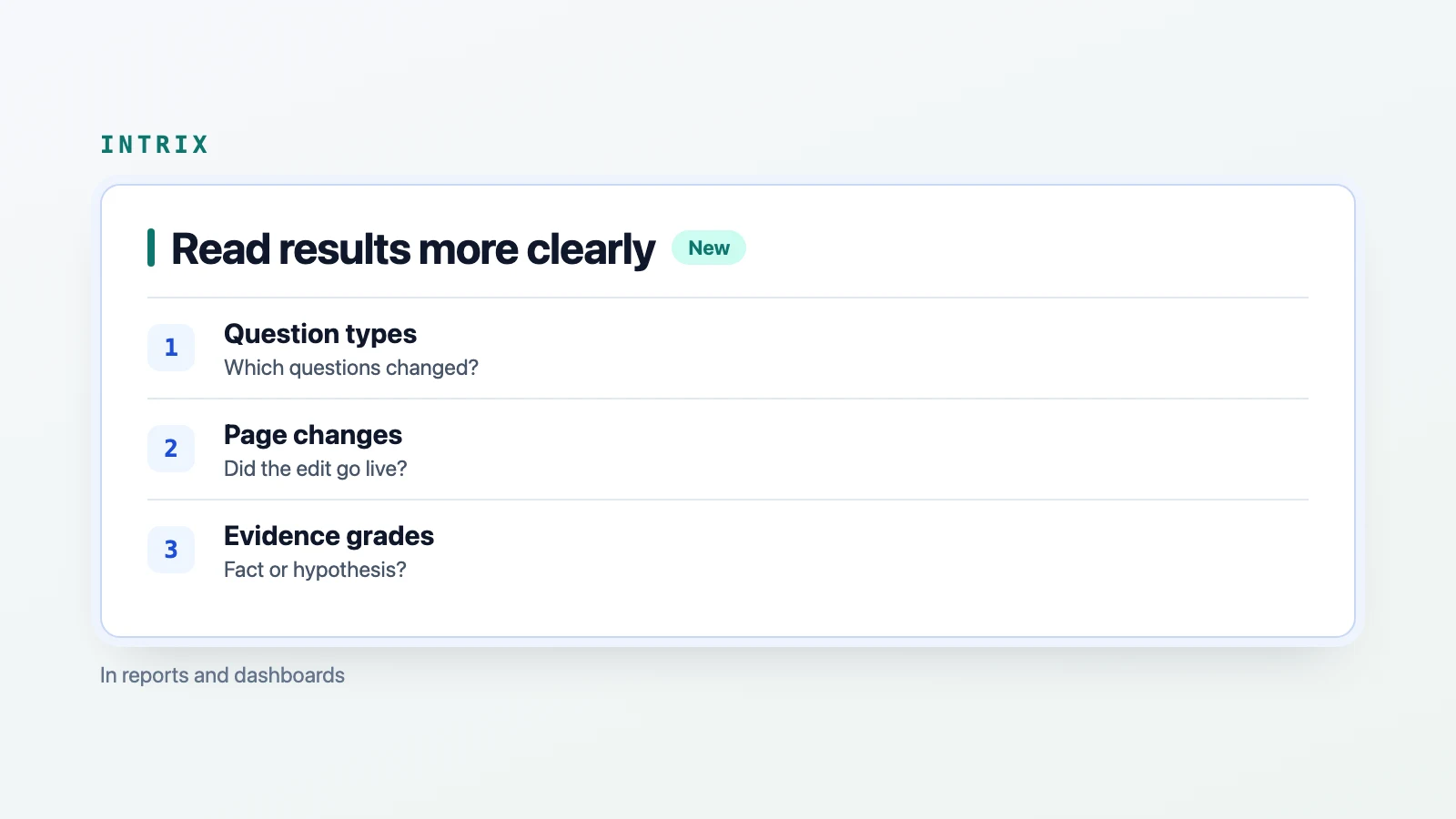
“Our citation rate went up. Which questions improved?” Intrix reports and dashboards now include results by question type, a change history for pages targeted by improvement tasks, and evidence grades for task assessments. You can see where results changed, whether an edit reached the live page, and how much of the explanation is established.
Which questions account for the change?
An increase in the overall citation rate can hide uneven results. After the same edit, citations may rise for broad questions while staying flat for questions with specific requirements. Gains in one group can also mask declines in another.
Intrix now shows mention and citation rates using two separate ways of grouping questions. Decision stages cover information and how-to questions, recommendations and lists, comparisons, and final selection. Question form distinguishes broad questions from those with specific requirements. “Recommend an interior design firm” is a broad recommendation question. “Who designs café interiors in Austin?” adds specific requirements. “What are the alternatives to A?” is a comparison question.
The dashboard’s trends view compares each type with the previous measurement round. The report’s new “Results by question type” chapter adds a one-sentence explanation when citation rates differ substantially between broad and specific questions. A lower rate for specific questions points to missing detail about use cases, project size or budget. A lower rate for broad questions points to a weak main page for the industry or service. This gives you a place to start when deciding what information to strengthen.
Because the breakdown uses the question wording, it also applies to earlier rounds in the dashboard’s trends view. The new report chapter is included only in reports generated after this feature was added. Previously published reports remain as issued. You can read the latest results alongside previous rounds using the same groups.
Did the edit reach the live page?
Marking a task complete does not establish that its target page changed. Intrix now checks the page when a task starts, when it is marked complete, and at the end of each measurement round. The record shows whether the title, subheadings or paragraphs changed.
Task details and the report’s improvement tasks chapter show “Changes since the task started” and the last check time. You can review change dates, title changes, counts of added or removed subheadings, and counts of rewritten or removed paragraphs. If a task is marked complete but the page has no changes, Intrix flags that. Movement in the numbers before an edit reaches the page is not treated as an effect of the work.
Changes to shared navigation or footers do not count as page edits. Intrix does not store the page body. It retains only the title, subheadings and short paragraph fingerprints needed to identify changes.
The history appears beside the existing effect assessment, which compares task questions with comparison questions, and the “ChatGPT update check,” which checks whether the ChatGPT search crawler has reread the edited page. You can follow “edited → reread → answer changed” in one view and see how far the work has progressed.
Is the explanation established or a hypothesis?
You can count whether a page appeared in search results. That alone does not establish whether its absence was caused by indexing or relevance. Evidence grades now distinguish what an assessment establishes from what it proposes as an explanation.
“Confirmed” covers settings the diagnostic tool reads directly from the page, such as search exclusion or crawler blocking. Reading them again produces the same value. “Verified in this measurement” covers results counted in this round’s AI answers, such as citations or inclusion among search candidates. Those results can change between rounds.
“Hypothesis” covers causes that cannot be seen from outside the AI system, such as internal candidate rankings or scores, and predictions that an edit will increase citations. Word and paragraph comparisons in the report’s “AI search terms and your pages” chapter are also explicitly labeled as hypotheses for choosing edits. You can review a proposed change with its supporting evidence in view.
Where can you find the updates?
Read results by question type in the report’s “Results by question type” chapter and the dashboard’s trends view. Page change history and evidence grades appear in improvement task details and the report’s improvement tasks chapter. The explanation of word and paragraph comparisons is in “AI search terms and your pages.”
To discuss what changed after your edits and which task to consider next, talk to Intrix.
Explore Intrix
More updates
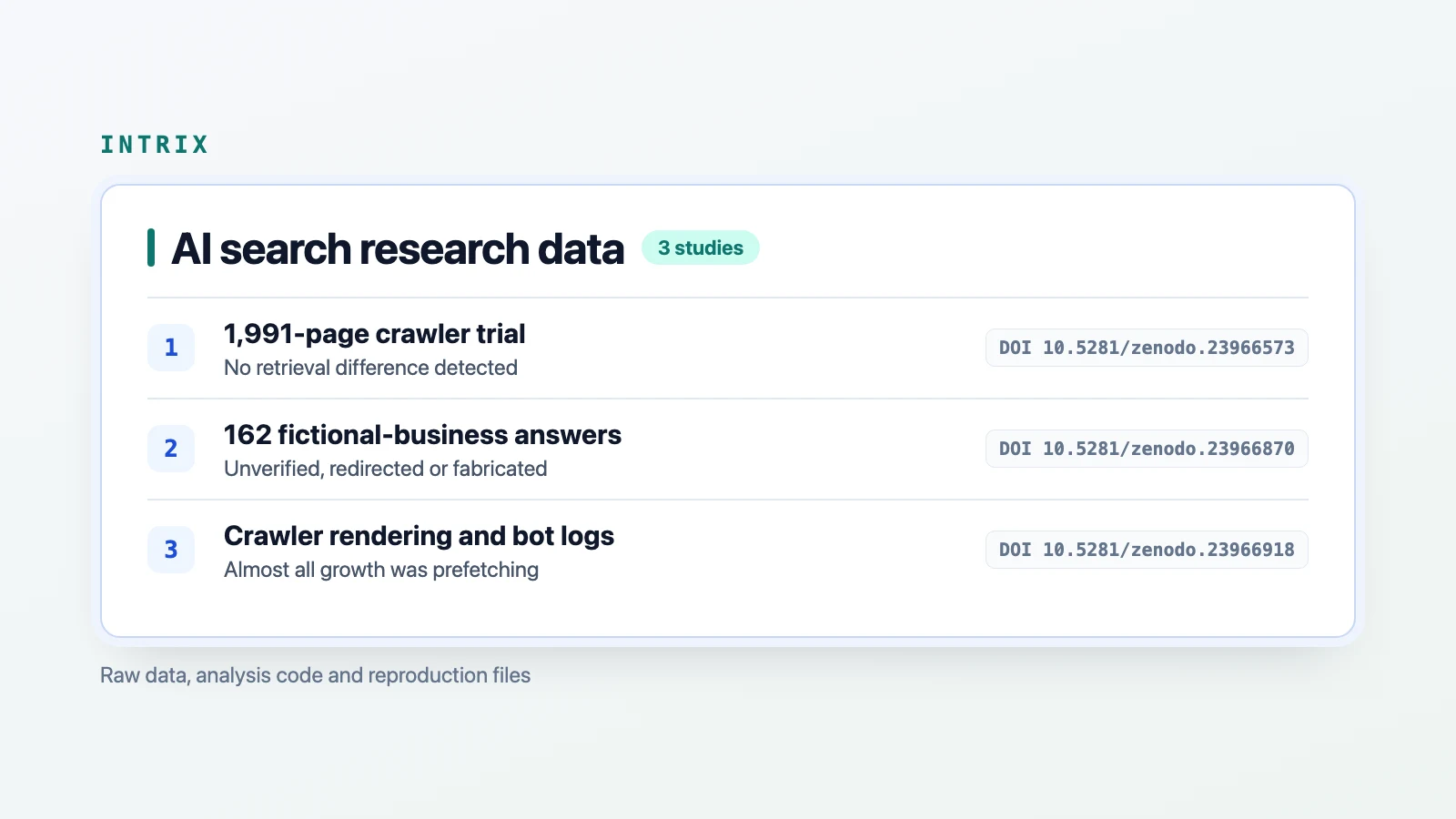
Raw data and analysis code released for three AI search studies
Access data and code for a 1,991-page crawler experiment, 162 AI answers about fictional businesses, and a note on inflated bot logs. Read results and limits.
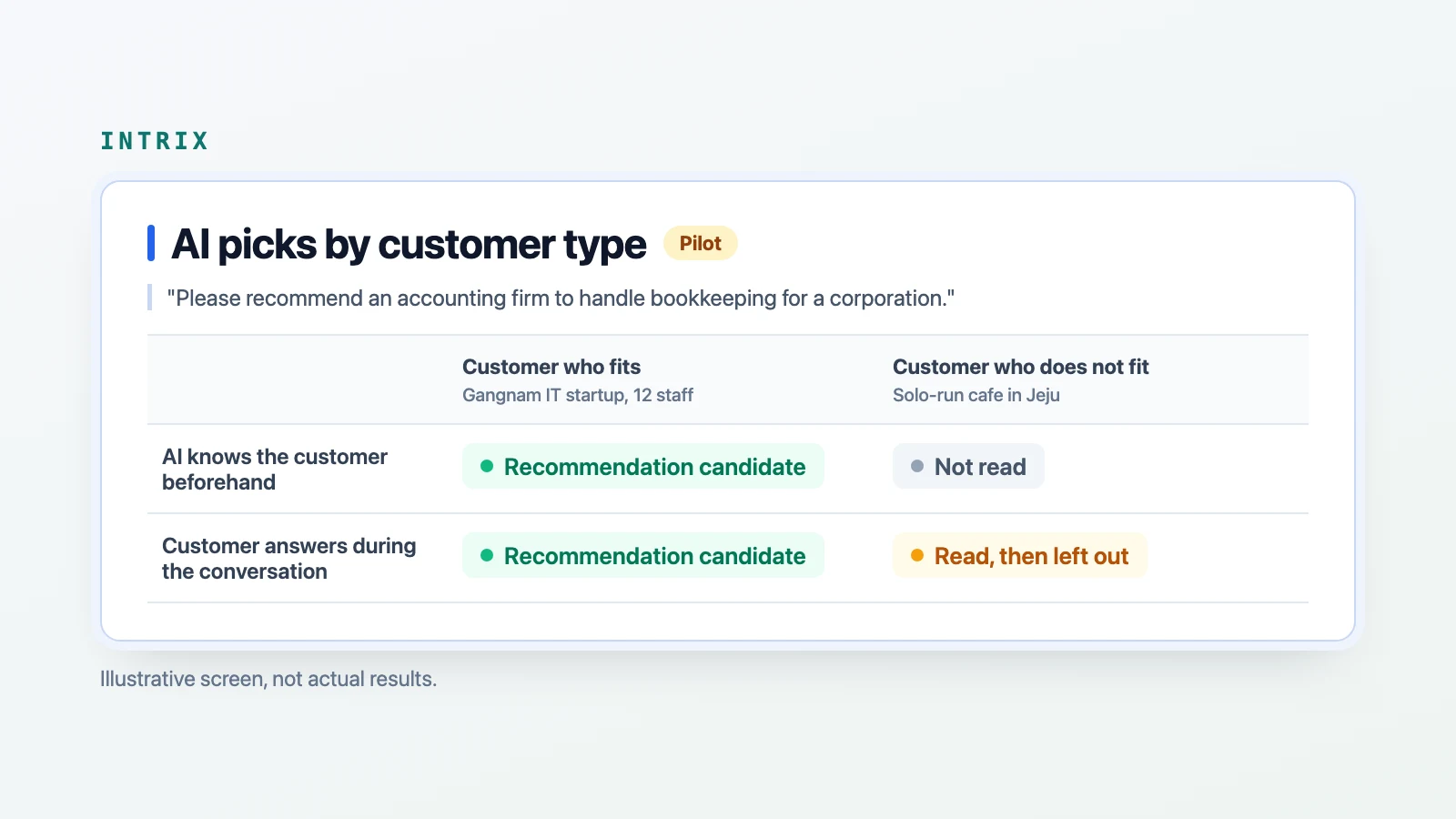
ResearchPiloting a check of where AI recommendations change by customer type
Intrix is piloting customer profile checks to compare where sites leave AI recommendations and which sources replace them. Not yet in customer dashboards or reports.
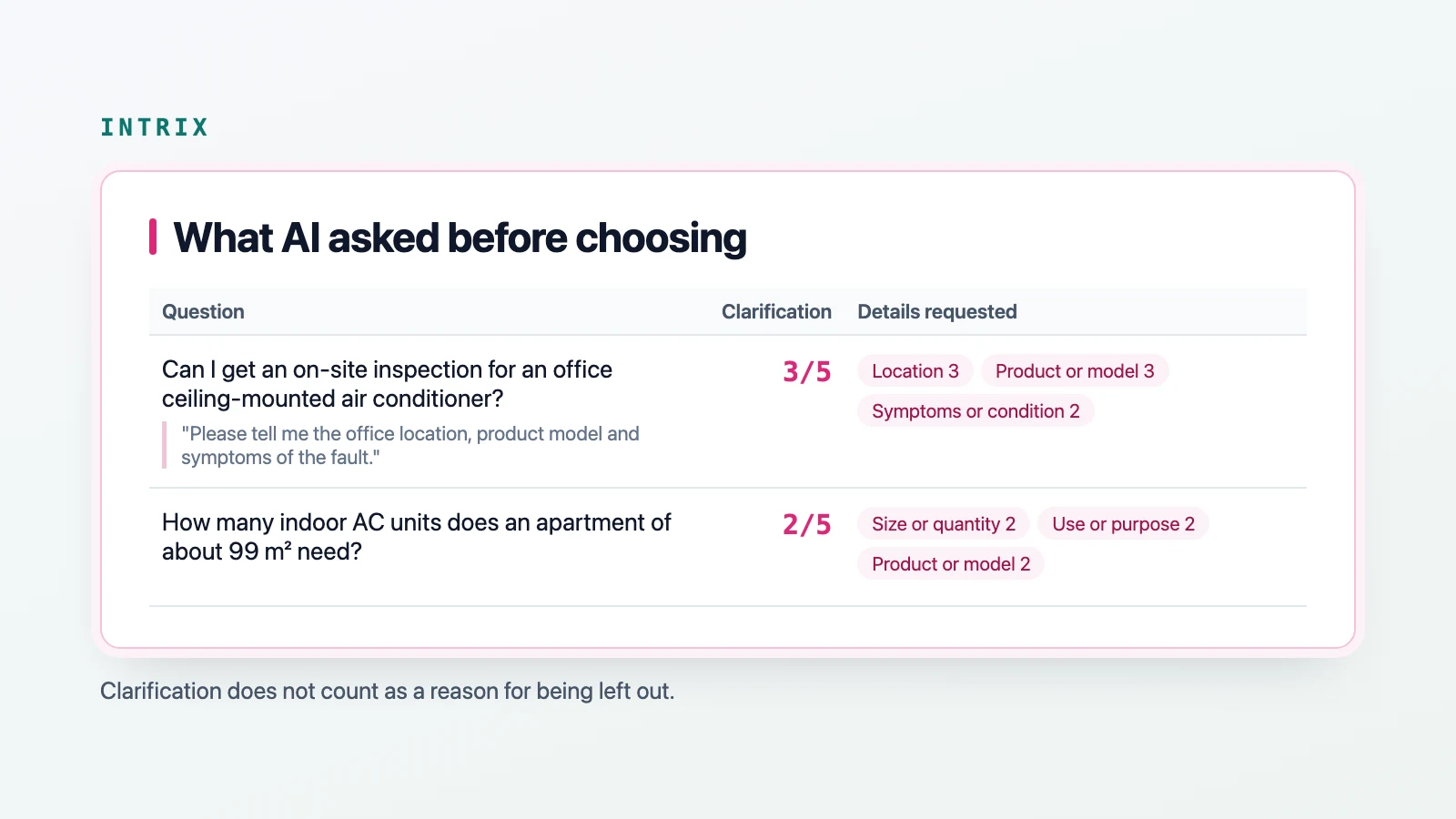
New featureSee when AI asks for details before choosing a company
See answers where AI asks for details before choosing a company. Read the requested conditions and follow them into the customer needs recommendation check.
New feature