See when AI asks for details before choosing a company
Intrix measurement reports and dashboards now show “Clarification” separately. These are answers where AI asks about details such as location, budget or product before naming any company. You can see what AI still needs to know, without counting those answers as reasons your site was left out.
Recognize answers that come before a choice
Previously, these answers were included under “Search skipped” or “Not considered.” This could make a site appear to have a problem and lead to a recommendation to create a new page. Clarification answers are now excluded from the reasons for being left out. Answers that name at least one company remain in the existing candidate results.
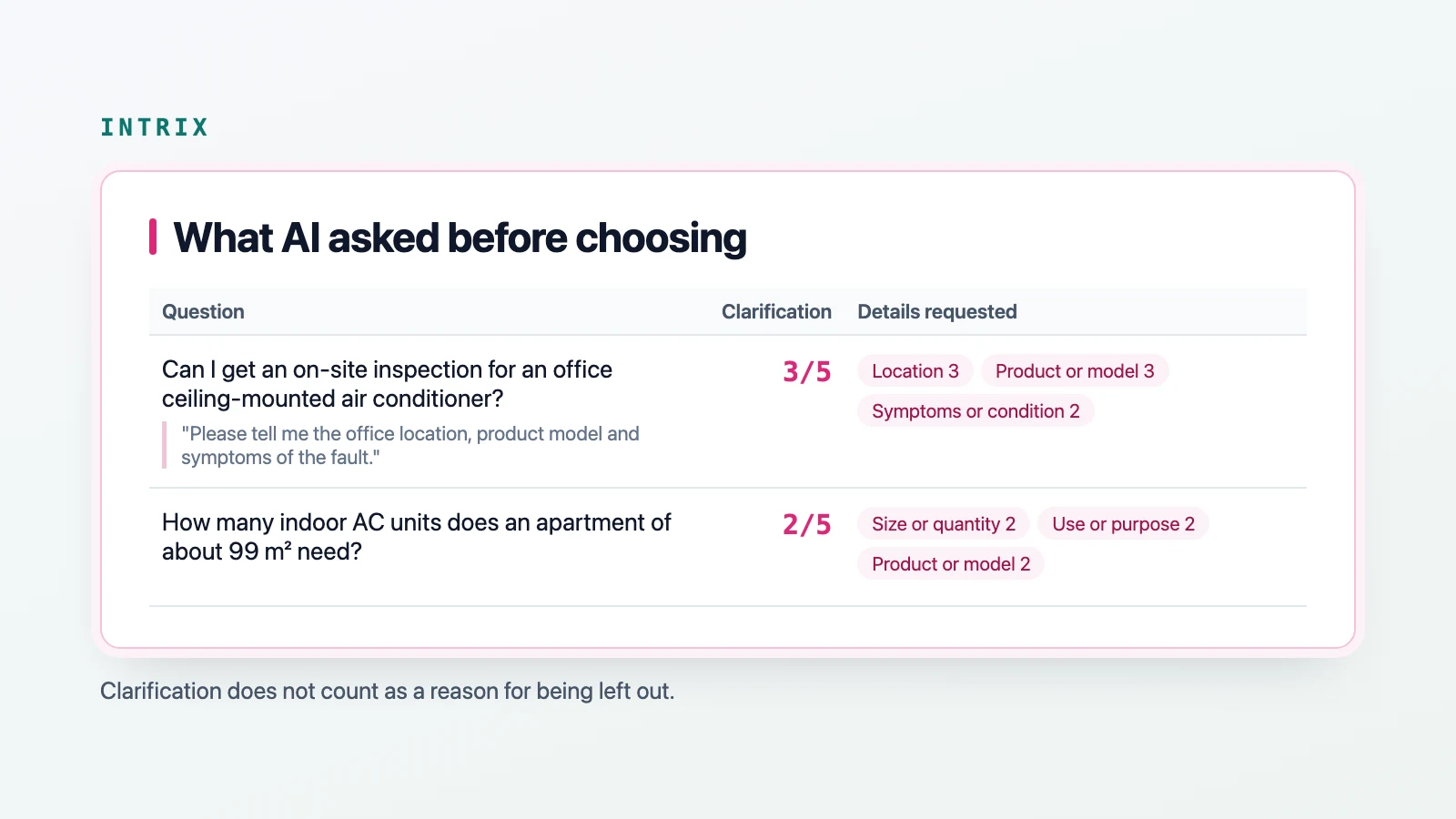
For a fictional example, someone asks, “Can I get an on-site inspection for an office ceiling-mounted air conditioner?” AI replies only, “Please tell me the office location, product model and symptoms of the fault.” It is asking for details before choosing a company.
Read the requested details beside the answer
The full report has a new chapter, “What AI asked before choosing.” For each question, it shows how many of the total answers asked for clarification, the details requested, such as location, product or model, and symptoms or condition, plus one actual answer sentence.
The dashboard home has a card with the same information. The trends view marks the first round that counts clarification separately with “New assessment criteria.” Earlier rounds include clarification answers under search skipped or not considered. Check the marker when comparing rounds.
Check recommendations after supplying the details
The details AI requested feed into the “AI recommendations by customer needs” check. Intrix asks again from the perspective of a customer who has supplied those details, then checks whether your company is among the recommended candidates. This connects the initial request for information with the recommendation that follows.
Read the results in newly completed rounds
The change applies to newly completed measurement rounds. You do not need to apply or enter anything. To discuss how to read clarification answers and follow them into the customer needs check, talk to Intrix.
Explore Intrix
More updates
Dashboard security features added
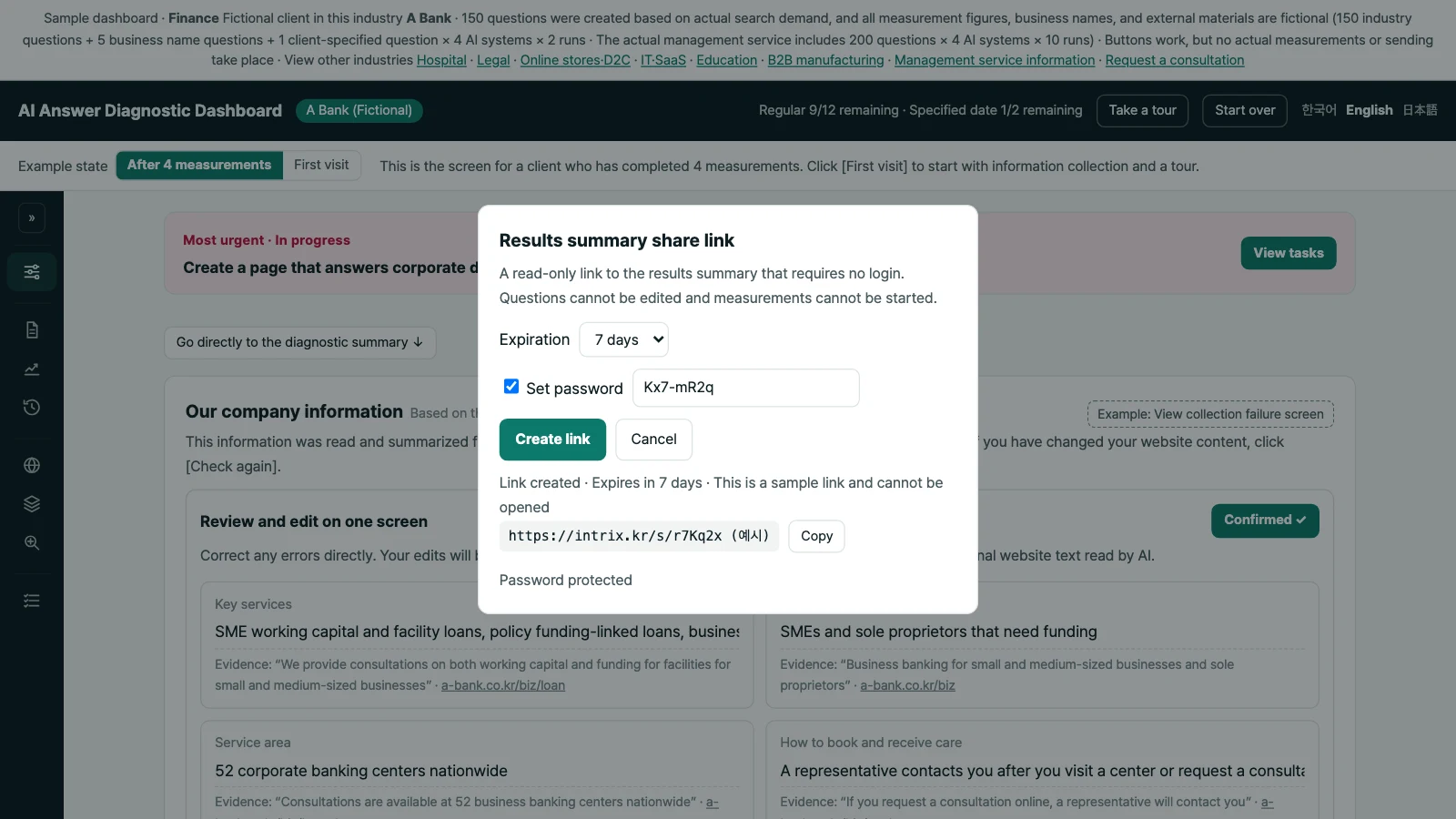
Set a password of at least 8 characters for dashboard share links. Share one measurement round’s full report without a login, with a 7-day limit and the option to stop sharing.
New featureAI Agent Run Check now includes Google and Anthropic families
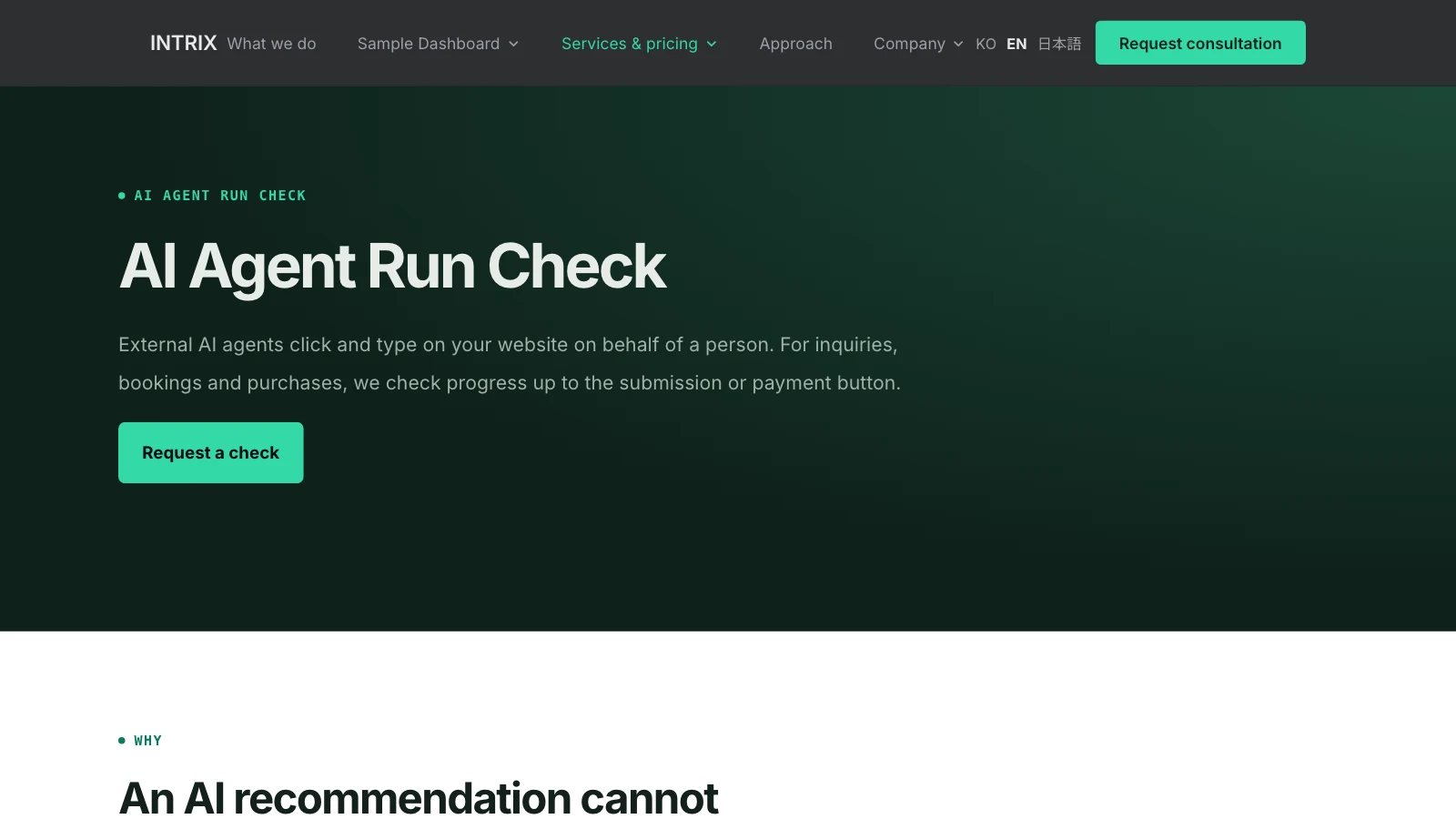
Intrix adds Google-family and Anthropic-family agents to AI Agent Run Check, with separate report findings for user confirmation and human verification before submission.
New featureWebsite technical SEO and GEO checks have been significantly expanded
Review canonical URL errors, heading structure, visible breadcrumbs, and similar page content, with examples of pages to fix in First Check and Regular Compare reports.
New feature