AI Agent Run Check now includes Google and Anthropic families
Intrix has added Google-family and Anthropic-family browser agents to its AI Agent Run Check. The same customer flow is now checked with agents from the OpenAI, Google, Meta, and Anthropic families. Reports also distinguish where an agent pauses to ask the user for confirmation and where human verification remains before submission.
Check the same flow across agent families
Agents read and navigate websites differently. Some use the screen to locate and click controls. Others use both the screen and the page structure. A button or field that works for one agent may stop another.
Checking with agents from the major AI company families your customers use helps reveal issues that a single family may miss. Your team can review where each family gets stuck in the same inquiry, booking, or purchase flow.
See where an agent asks the user to confirm
Reports now separately identify points where an agent pauses and asks the user for confirmation. For example, it may stop at a personal data consent checkbox because it considers that consent a decision for a person. The report records the step where it stopped and the reason, so your team can review the request in context.
Identify human verification before submission
An agent may finish the required fields while a CAPTCHA or an “Are you human?” check still needs the user’s attention. Reports label this “Human verification required before submission.”
Both types of finding mark a handoff from AI to a person. Reports distinguish these handoffs from problems where the site blocks progress, helping your team decide whether a finding needs a fix or reflects an intended confirmation step.
Review your customer flow with Intrix
The AI Agent Run Check uses external AI agents to click and enter information on your site in place of a person. You receive a report showing where they get stuck and what to improve. All entries use test values, and agents stop before the submit or payment button. No requests are submitted and no payments are made. Intrix checks the flow again after fixes.
To discuss an inquiry, booking, or purchase flow on your site, talk to Intrix.
Explore Intrix
More updates
Website technical SEO and GEO checks have been significantly expanded
Review canonical URL errors, heading structure, visible breadcrumbs, and similar page content, with examples of pages to fix in First Check and Regular Compare reports.
New featureReview the evidence behind each improvement task
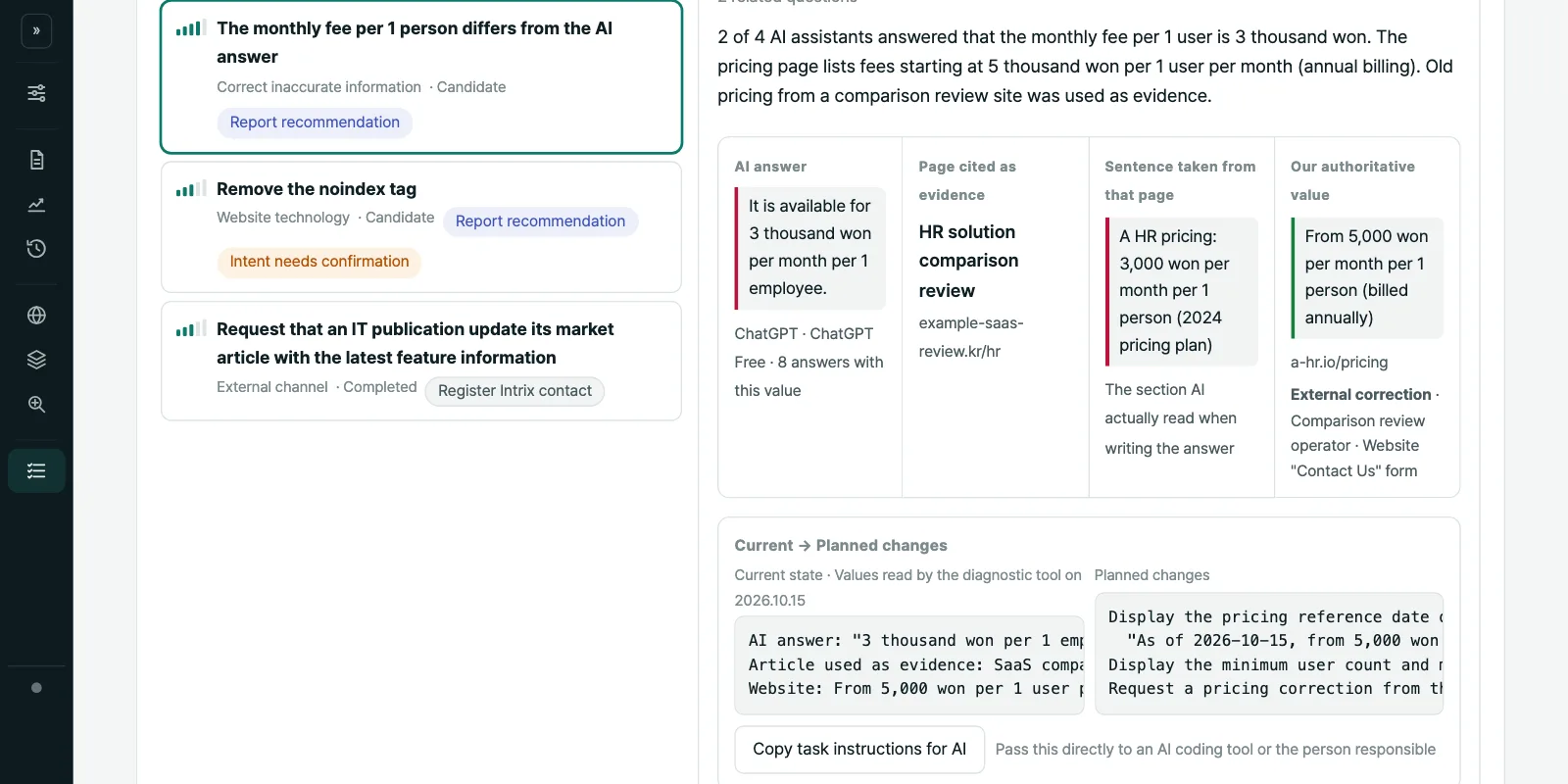
See confirmed and missing evidence for each task, distinguish recommendations from continued review, and decide what to check before starting work.
New featureCompare AI search terms with your own pages
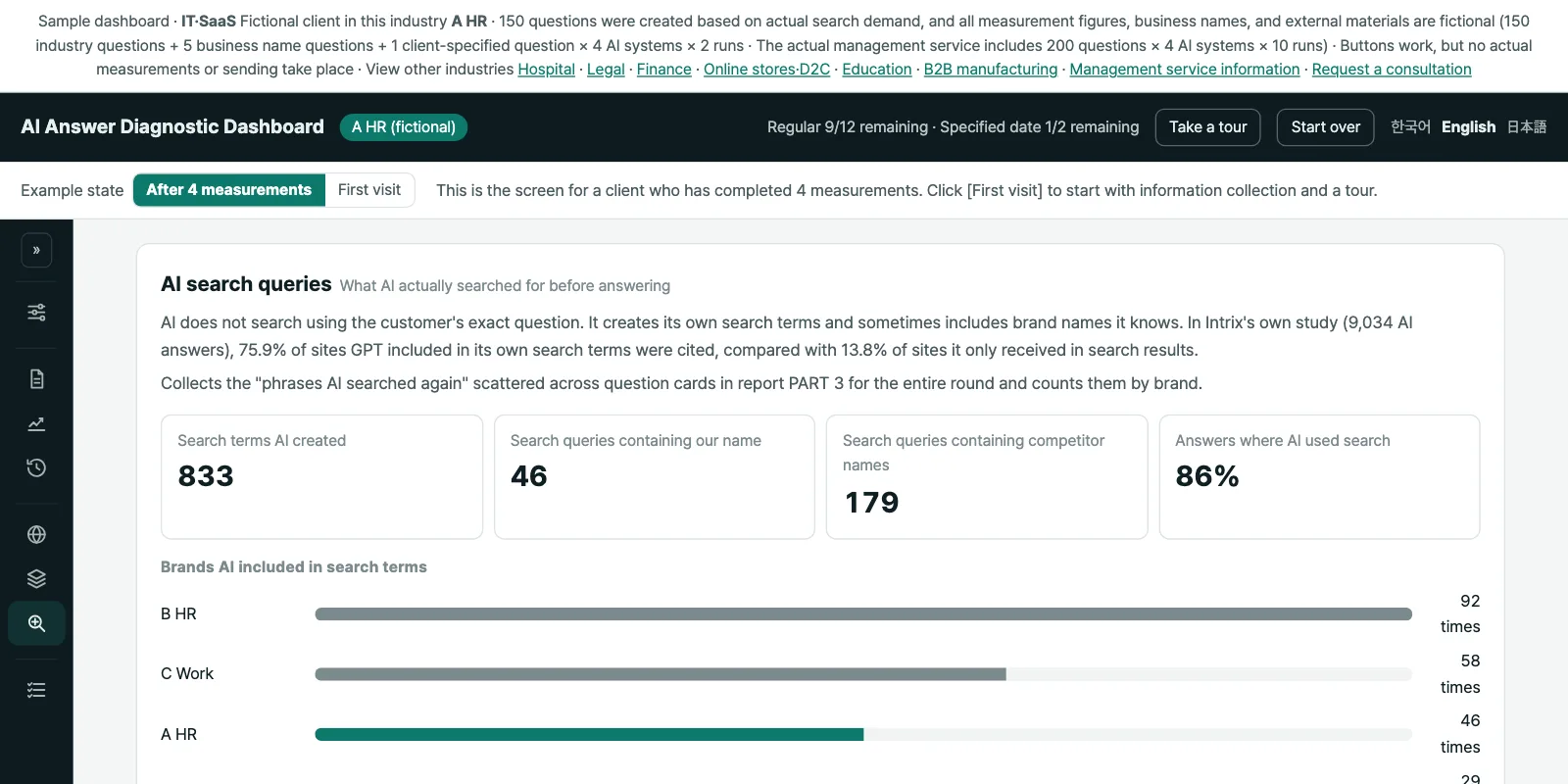
Compare actual AI search terms with your pages, find gaps in titles and headings, and review passages alongside the sources AI selected.
New feature